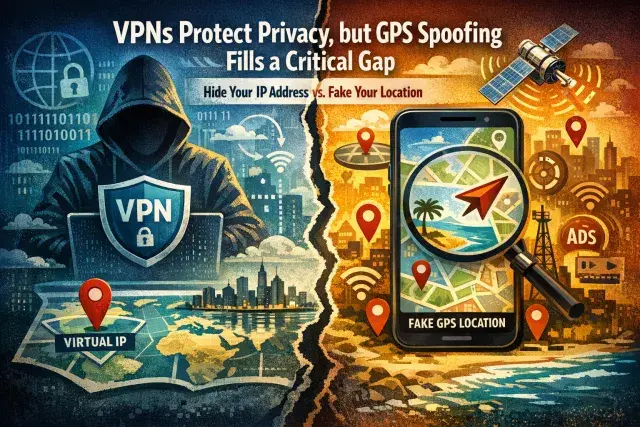

A VPN can hide your IP address and encrypt your traffic, but it does not automatically hide where your phone says you are. That distinction matters because many apps and streaming services check both network location and GPS data, which means a VPN alone may fail when a service wants stronger proof of where a device is located.
GPS spoofing addresses that problem by feeding apps false location coordinates at the device level. On Android, where the feature is possible through developer controls, a small group of VPN providers now combine encrypted connections with location spoofing to make IP and GPS data point to the same place.
Why a VPN is not the whole privacy story
VPNs remain useful privacy tools when the provider is trustworthy. They reduce exposure to internet providers, public Wi-Fi snoops and other intermediaries by routing traffic through a remote server and masking the user’s public-facing IP address. For many people, that is the main reason to use one.
But location tracking has become more layered. Apps can pull from GPS, Wi-Fi networks, mobile towers and IP-based signals, then compare those data points for consistency. If your VPN says you are in one city while your phone’s GPS says another, the app may trust the GPS reading or flag the mismatch. Streaming services are a common example, but advertising systems and data brokers also benefit from precise location trails that reveal routines, workplaces and social habits.
How GPS spoofing works on Android
Despite the name, phone-based GPS spoofing usually does not tamper with satellite signals. It works through software. Android allows a designated app to provide mock location data through its developer settings, and the operating system then passes those coordinates to apps requesting location access.
That is why the feature is limited. iPhones do not offer the same user-accessible controls for mock locations, so built-in VPN GPS spoofing is generally an Android-only tool. Even there, support is rare. Surfshark, PrivadoVPN and Windscribe are among the providers that offer it directly inside their Android apps.
Where spoofing helps, and where it creates risk
The most obvious use is access. If a service checks GPS as well as IP address, aligning both signals can help reach region-locked features or content that a VPN alone cannot open. Developers also use mock locations to test apps that depend on mapping, delivery zones or local alerts without physically traveling.
Privacy is another motive. Many apps request location access more broadly than their core function requires, and persistent location histories can be turned into highly detailed behavioral profiles. Spoofing, combined with stricter app permissions, gives users a way to limit how accurately they are tracked.
Still, this is not a universal fix. Banking apps, dating services and some games may detect mock locations and restrict features or suspend access. Practical problems matter too: if spoofing is left on, directions, ride-hailing, delivery apps and location sharing can stop working properly. A fake location can also violate a platform’s terms of service even when it does not break the law.
Choosing tools carefully matters as much as the feature itself
The larger privacy lesson is that a VPN’s marketing claims are only part of the story. A VPN can see significant portions of your traffic metadata, which is why provider trust matters. Users considering GPS spoofing should be equally cautious with third-party location apps, especially outside official app stores, where aggressive data collection and malware risks are higher.
For Android users, the safest approach is narrow and deliberate: enable mock location only when needed, keep GPS and VPN locations aligned, and turn the feature off when real-time location is essential. GPS spoofing can close a genuine privacy and access gap. It also shows how modern location tracking no longer depends on a single signal, and why privacy tools now have to account for far more than an IP address.